
Choose this design
Your selection is carried to signup so the workspace knows which system template to copy.
Recognition system template
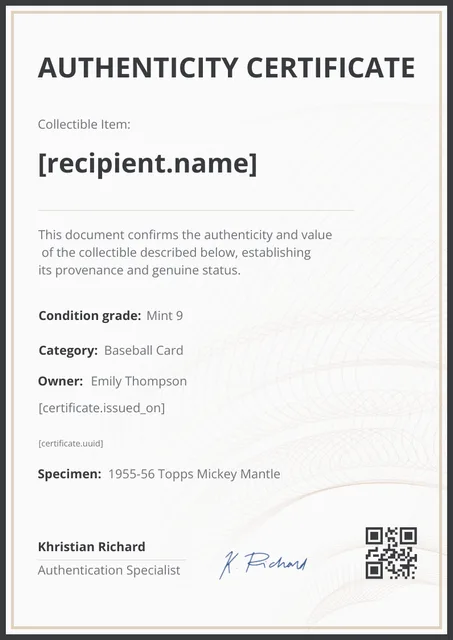
Preview with fictional attributes, then create a workspace to customize a copy. Editing a copy does not change the published system template.
How template selection works
Your selection is carried to signup so the workspace knows which system template to copy.
Start with the free plan and your organization details. No card is required.
After signup, choose “Customize selected template” in the authenticated gallery. The design is copied into your workspace and opens in the editor. If copying fails, you remain in the gallery.
No. The public gallery shows only published system designs. Workspace designs and tenant credential data are not exposed.
Link to this FAQYes. Create an account, then customize a copy of the selected system design in your workspace.
Link to this FAQNo. Public previews use fictional sample attributes and do not include real credential recipients.
Link to this FAQYour workspace copy is independent, editable and ready for your issuer details.